Control the door. Understand the event.
Access control built around people, doors, and video.
Amped designs professionally installed systems for cards, mobile credentials, schedules, facial authentication, activity records, and camera context—then explains which platform best fits the property.
Alarm.com for Business
Alarm, cameras, and access control in one easy system.
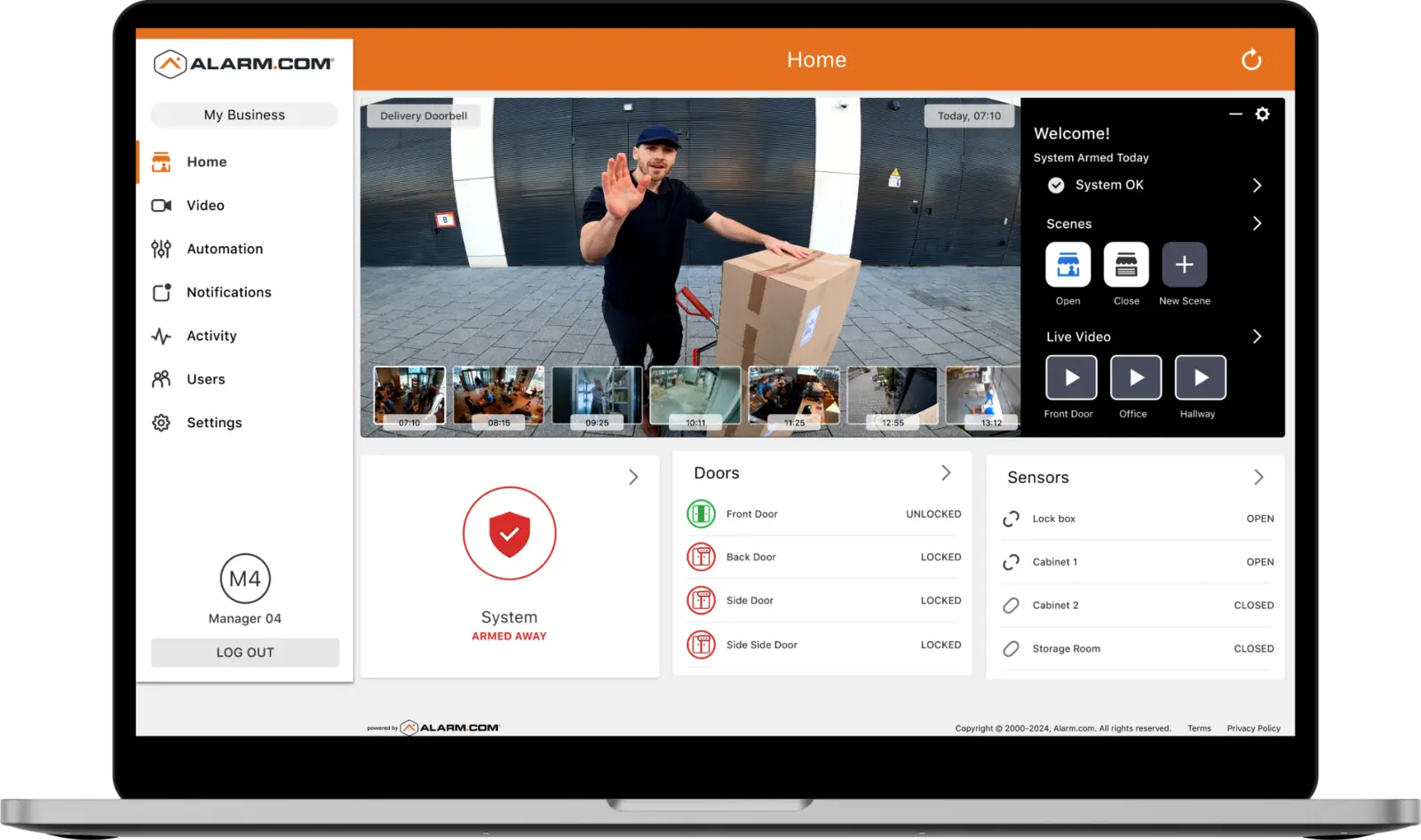
Alarm.com is the strongest fit when the priority is one familiar app and web experience for intrusion, video surveillance, access control, remote door control, alerts, and multiple locations. Supported continuously recording cameras can be associated with access-controlled doors so an authorized user can see the entry point while locking, unlocking, or buzzing the door.
- Manage credentials, schedules, doors, alarms, and video together
- Associate supported cameras with doors for visual context
- Operate one location or multiple sites from a unified platform
Three professional paths
Choose the platform around the operating need
Alarm.com Access Control
Best when the business wants alarm, cameras, access control, activity, and remote management brought together in one approachable system.
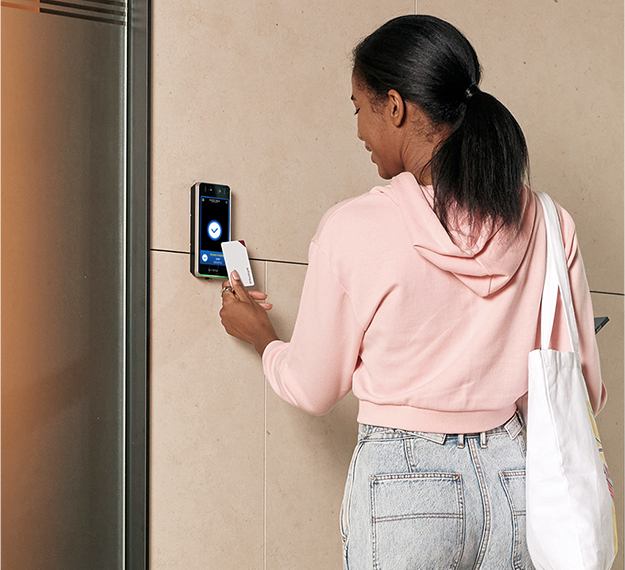
- Mobile, card, code, and remote door operation where supported
- Door schedules, permissions, and activity history
- Camera association and live door controls
One app can bring intrusion status, supported cameras, door activity, alerts, and remote door control into the same operating view. Pairing the entry camera with the controlled door helps authorized users see the location while reviewing activity or operating the door.

Luminys Access Control
The C-2PA web controller supports scalable door management, while the C-F4A adds face, card, and PIN authentication with liveness detection and fast facial matching.
- Facial authentication with the C-F4A terminal
- Web, LumiViewer, Bluetooth, card, and PIN workflows
- Access events can be linked to video channels in LumiViewer
LumiViewer can link access-control events to the appropriate Luminys video channel, giving operators camera context beside door activity. Amped plans the camera angle, recorder, network, retention, and event association as one coordinated system.
Suprema BioStation 3
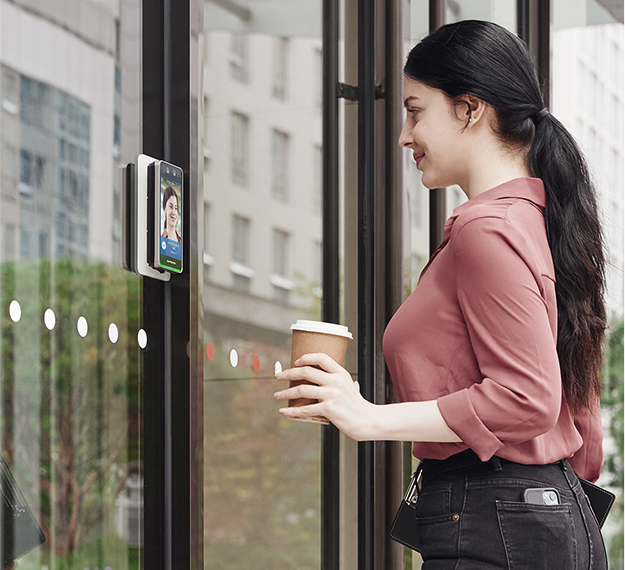
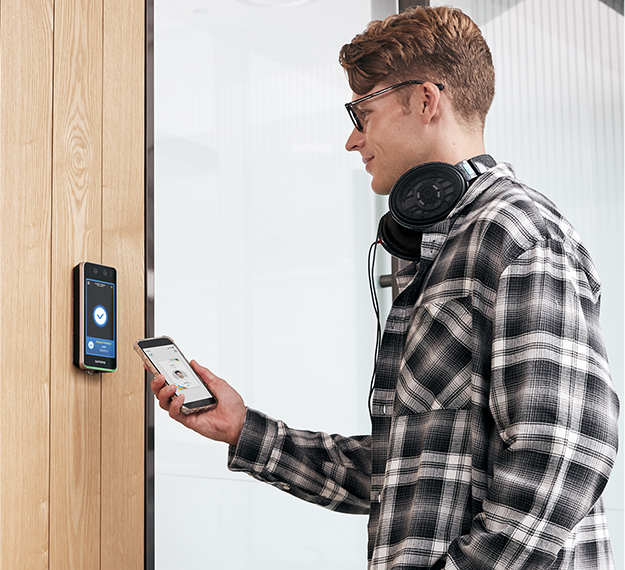
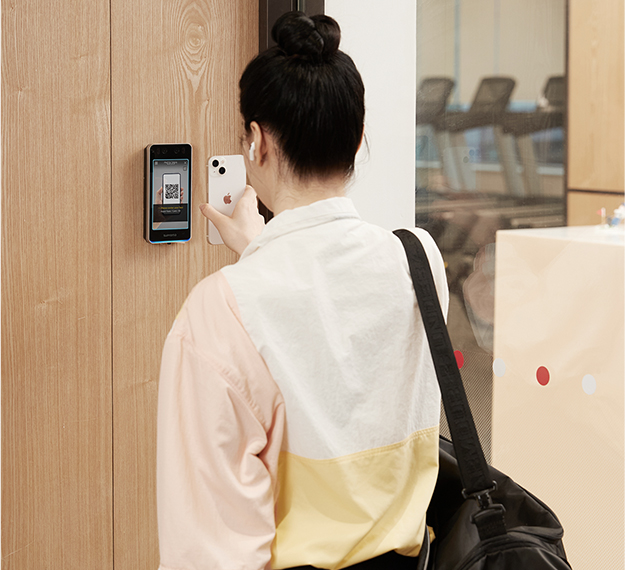
A dedicated biometric path for organizations that place facial authentication, multiple contactless credentials, and identity-focused door security at the center of the design.
- Face, mobile, QR/barcode, RFID card, and PIN options
- Live-face detection and anti-spoofing protections
- RTSP-based door video monitoring and VoIP intercom support
Facial recognition is a design decision
The credential can be the person—but privacy and policy come first.
Luminys C-F4A and Suprema BioStation 3 provide facial-authentication options for access control. Amped evaluates the entrance, lighting, enrollment process, alternative credentials, user permissions, retention, privacy expectations, and applicable workplace rules before recommending biometrics.
One event, useful context
Tie the door record to the camera view.
The useful outcome is not simply “the door opened.” A connected design can pair an access event with the correct camera so an authorized operator can review who presented a credential, whether the door opened, and what happened around the entry.
- Alarm.com: supported cameras and access-controlled doors in one platform
- Luminys: access-control events linked to video channels through LumiViewer
- BioStation 3: RTSP door video and an open integration path through Suprema platforms and APIs
Exact integrations, analytics, licenses, and camera compatibility depend on the selected equipment and current manufacturer support. Amped verifies the final combination before installation.
Luminys controller setup
See the access-control platform behind the door.
This official Luminys walkthrough introduces initialization and basic setup of its access-control controller. Final system programming, credentials, door hardware, network design, and video associations are completed around the property.
View Luminys instructionsFrom opening to operating system
Access control planned around the complete door
Audit each opening
We review the door, frame, lock, egress, power, cabling, schedules, and the people using it.
Define permissions
Access groups, time schedules, administrator roles, and credential-removal procedures are mapped before setup.
Coordinate hardware
Readers, locks, controllers, request-to-exit devices, alarms, and cameras are connected as designed.
Train administrators
We test emergency behavior and show authorized staff how to manage people, doors, schedules, and reports.
Financing options available
Protect the property with a manageable monthly payment.
Qualified customers may be able to finance an access-control project instead of paying the full equipment and installation cost at once. Amped can help you review available terms after the system scope is defined.
- Low monthly-payment options may be available
- Plan around the complete installed project
- Approval, rates, and terms depend on the financing provider
Access-control questions
Clear answers before a credential is issued
Can Amped secure more than one business location?+
Yes. Commercial systems can be designed for one site or multiple locations with centralized user management, video access, reporting, and alerts.
Can cameras, access control, and alarms work together?+
Yes. An integrated design can connect intrusion alerts, video, and door activity so your team gets more useful information from one security platform.
Do you provide ongoing support?+
Yes. Amped supports the systems it installs and can help with user changes, troubleshooting, expansions, and equipment updates.
The right access path